Wo kann ich eine Quittung oder Rechnung für meine MwSt.-Meldungen finden?
There are a few ways to find your SharedContacts.com receipt.
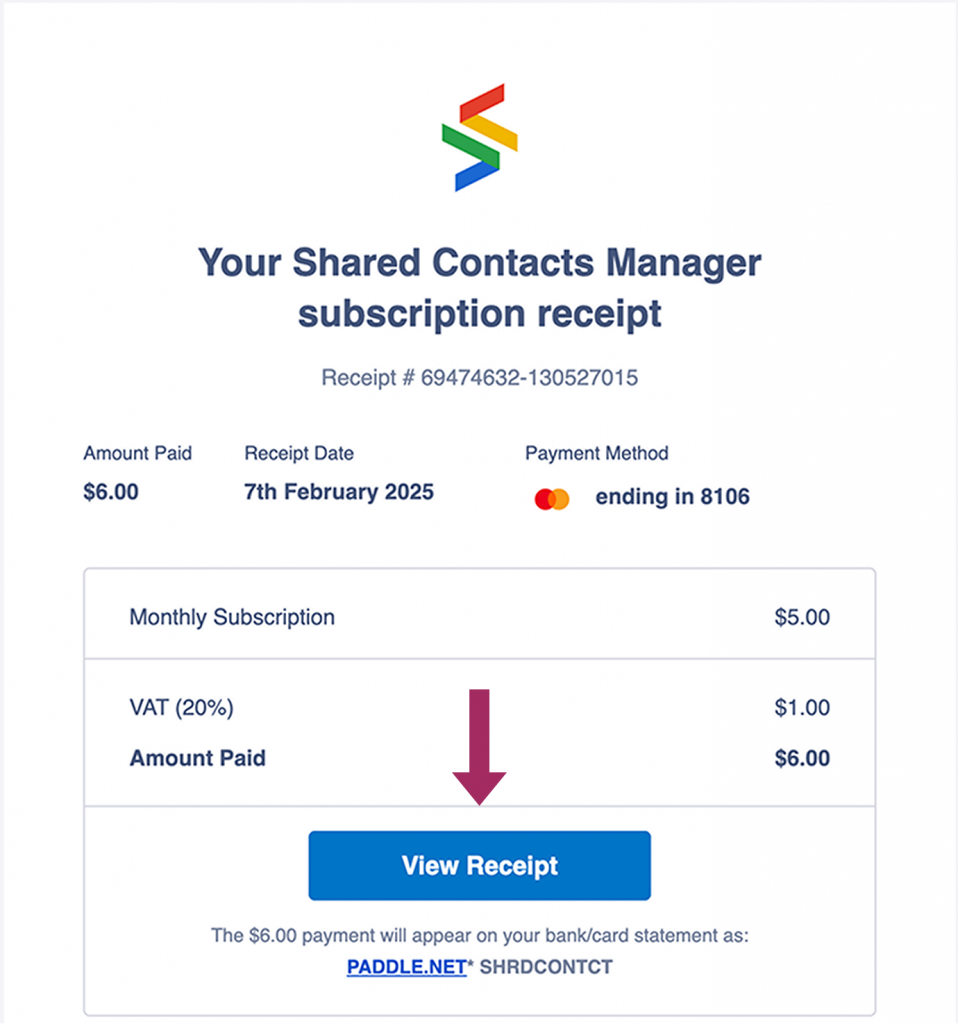
Nachdem Sie Ihre Transaktion abgeschlossen haben, erhalten Sie eine E-Mail von unserem Zahlungsdienstleister. Sie landet möglicherweise im Aktualisierungen Registerkarte in Google Mail.

Öffnen Sie diese E-Mail und klicken Sie auf Quittung ansehen.
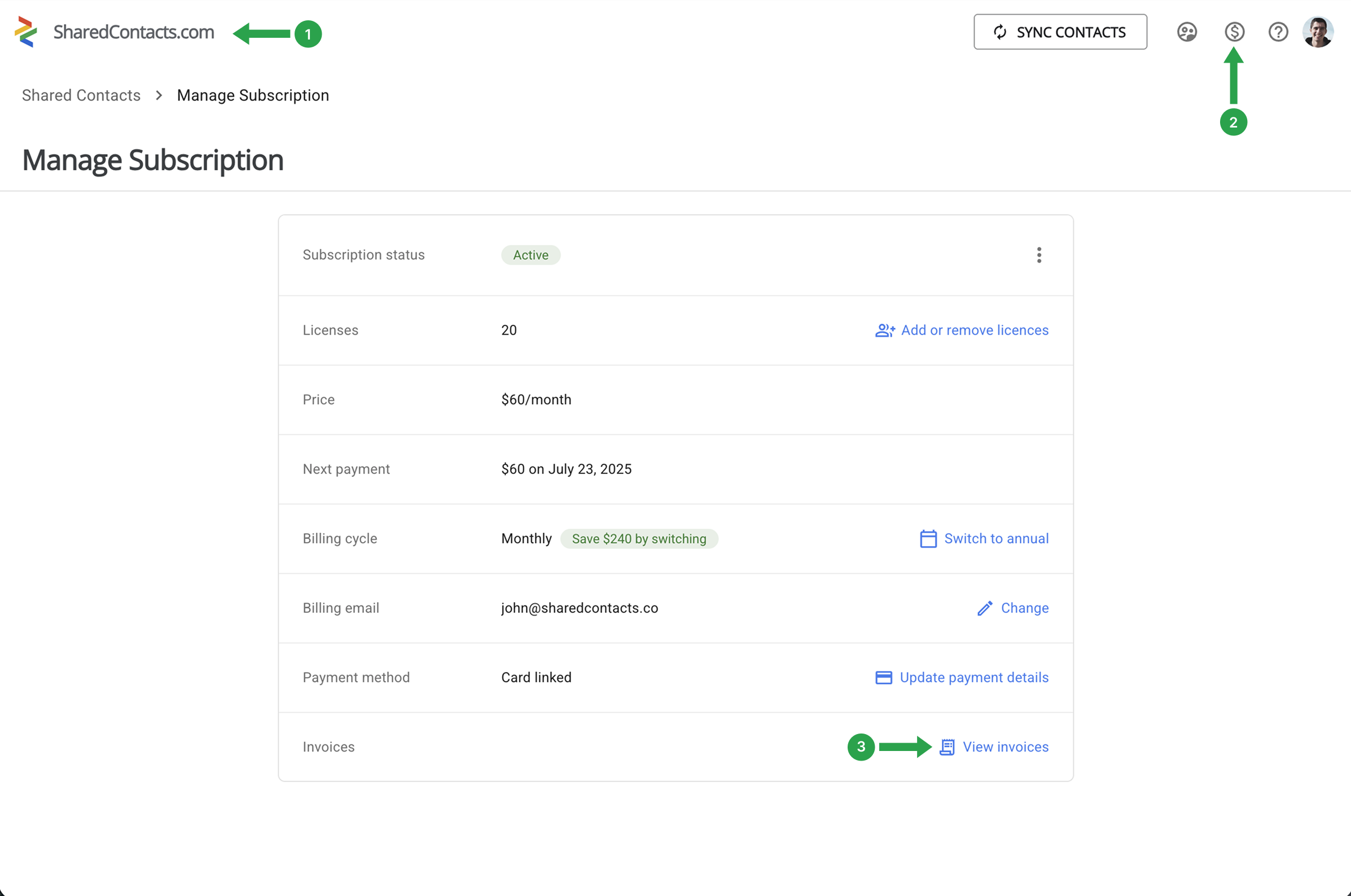
Alternatively, you can find your invoices at any time through your SharedContacts dashboard.
- Open the SharedContacts.com app
- Klicken Sie auf Abonnement verwalten
- Wählen Sie View Invoices
All your invoices will be listed there. If you need records of older transactions, Erreichen Sie uns with the details, and we’ll be glad to help.