Where can I find a receipt or invoice for my VAT reports?
There are a few ways to find your SharedContacts.com receipt.
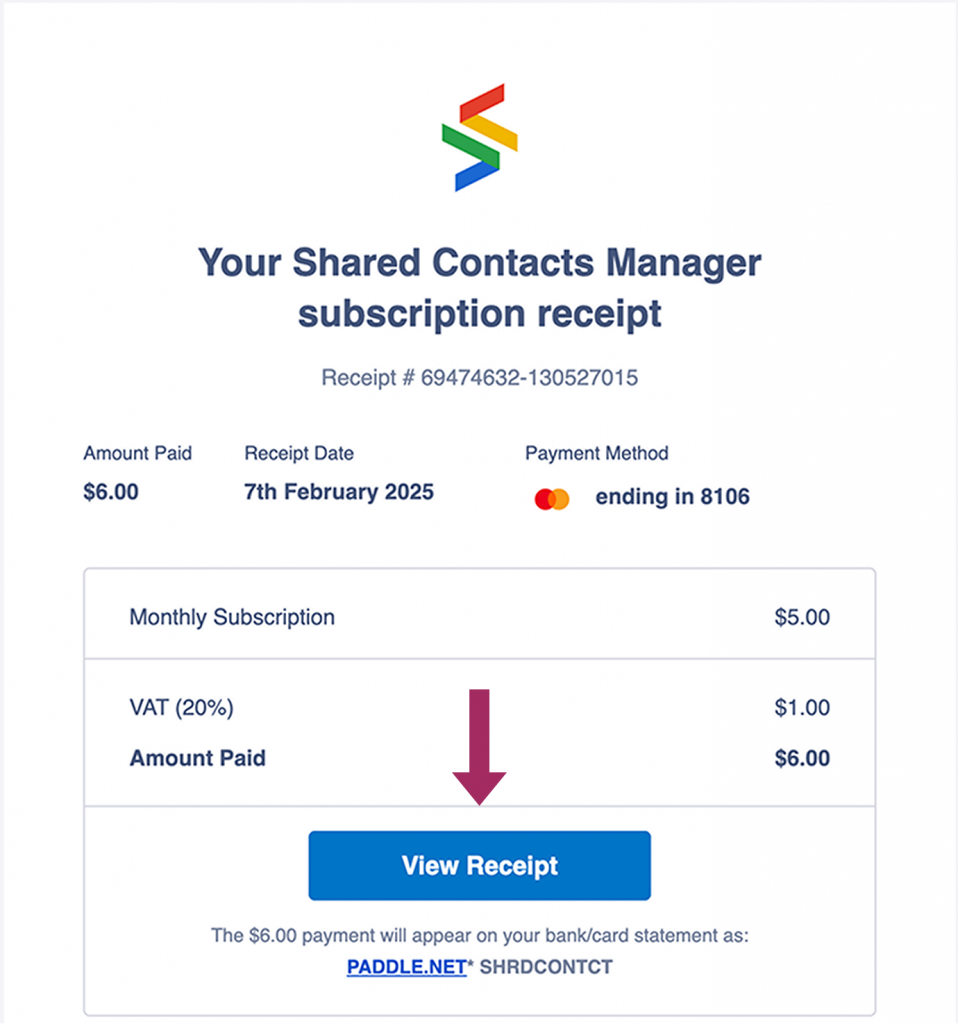
After completing your transaction, you’ll receive an email from our payment processor. It may land in the Updates tab in Gmail.

Open this email and click View Receipt.
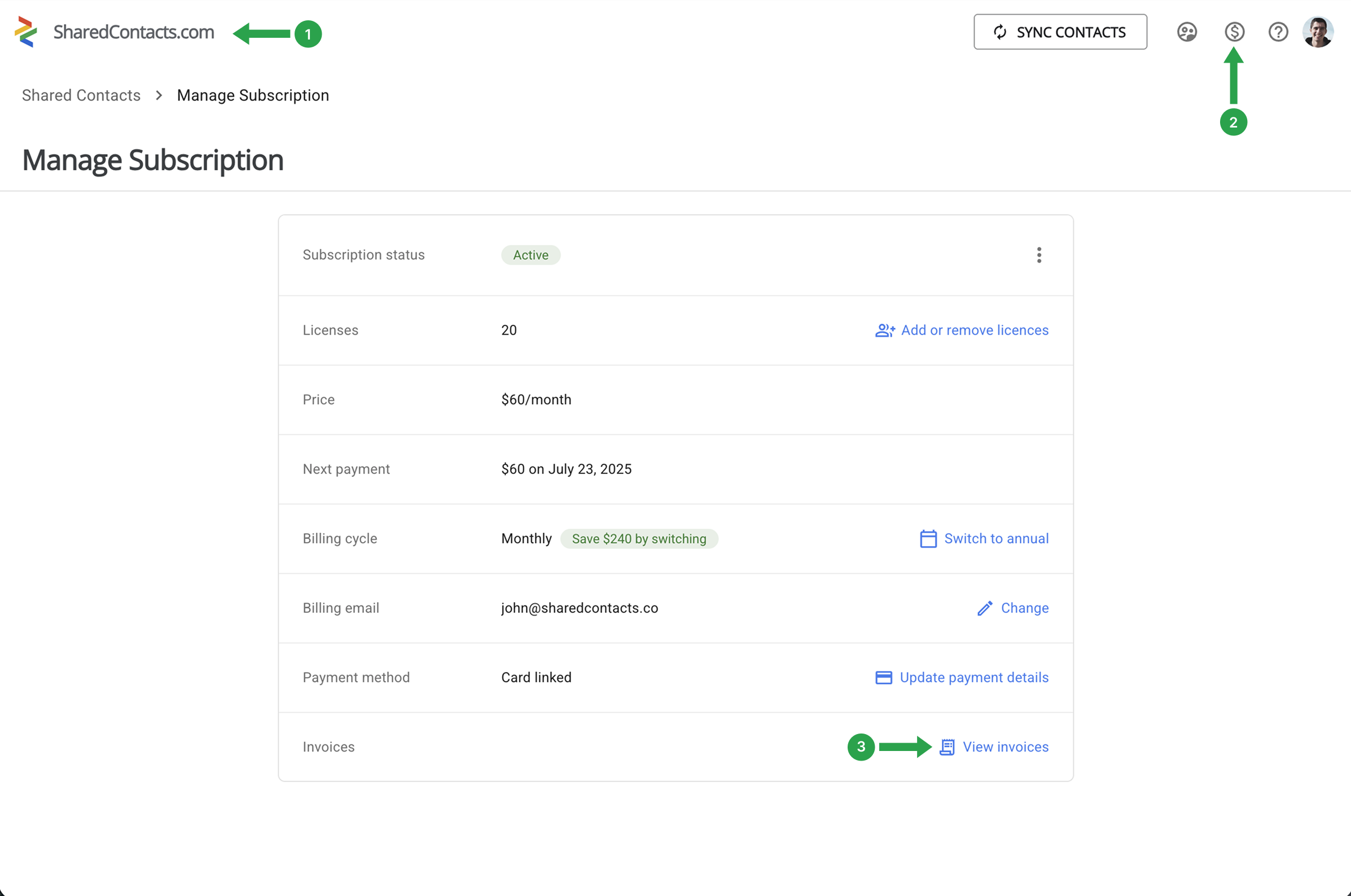
Alternatively, you can find your invoices at any time through your SharedContacts dashboard.
- Open the SharedContacts.com app
- Click Manage Subscription
- Select View Invoices
All your invoices will be listed there. If you need records of older transactions, reach out to us with the details, and we’ll be glad to help.