다른 사용자를 지정하여 사용자를 관리하고 Shared Contacts Manager 구독을 실행할 수 있나요?
Yes, it is possible. The SharedContacts.com admin can select any licensed user and appoint them as another admin. This allows the appointed user to have the same administrative privileges as the original admin. The original admin’s role and managerial functions remain unaffected. Once appointed, the new admin gains full access to all functions, including managing users, adding licenses, and appointing other admins.
다른 사용자를 관리자로 지정하려면 다음 단계를 따르세요:
- Log in to your SharedContacts.com account and click 사용자 관리.
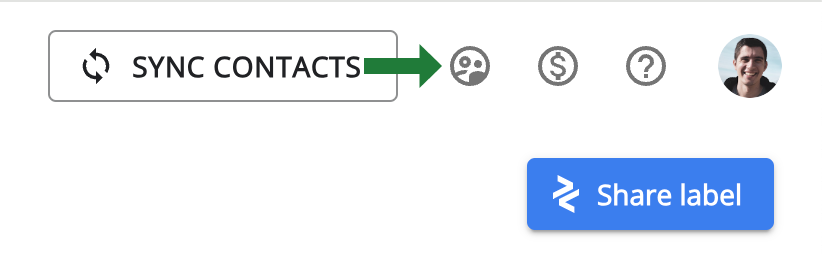
- 다른 관리자로 할당할 라이선스가 있는 사용자를 찾습니다. 그런 다음 관리자 지정 아이콘을 클릭합니다. 관리자 권한을 해지해야 하는 경우 사용자를 선택한 다음 관리자 제거 아이콘.