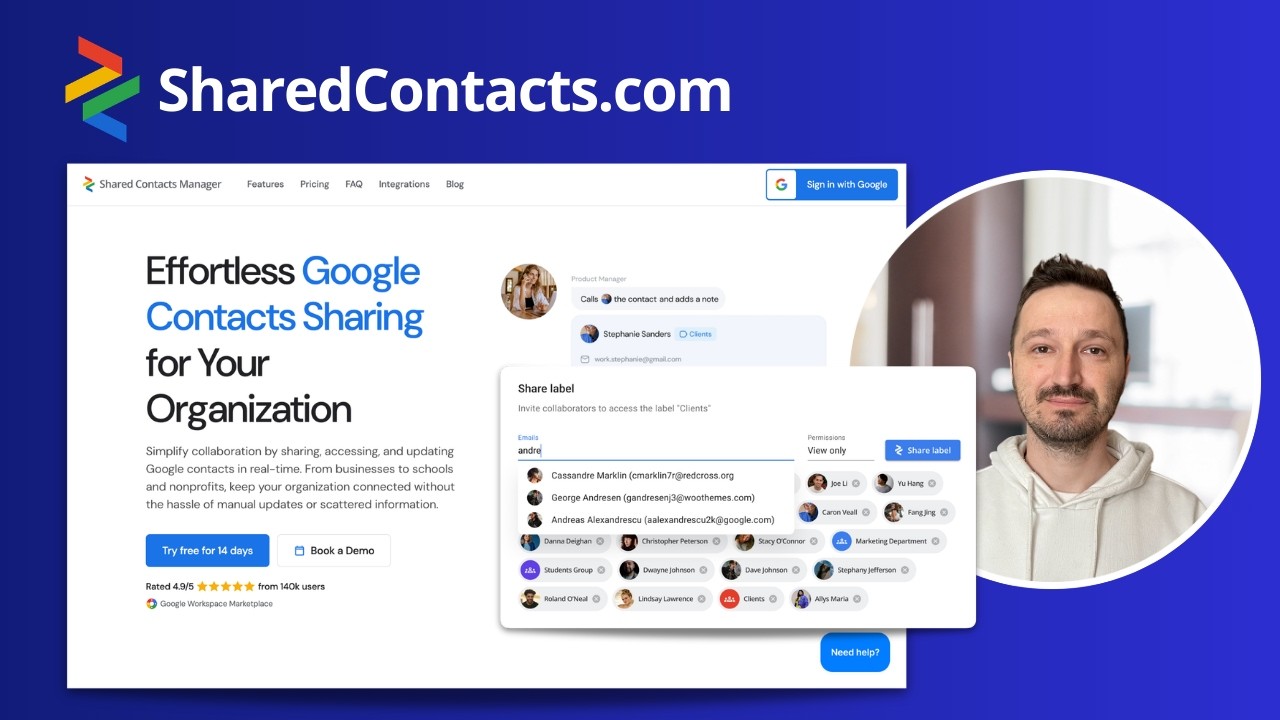
如何与其他用户共享我的 Google 联系人?
Follow these simple steps to share your Google Contacts with others using SharedContacts.com:
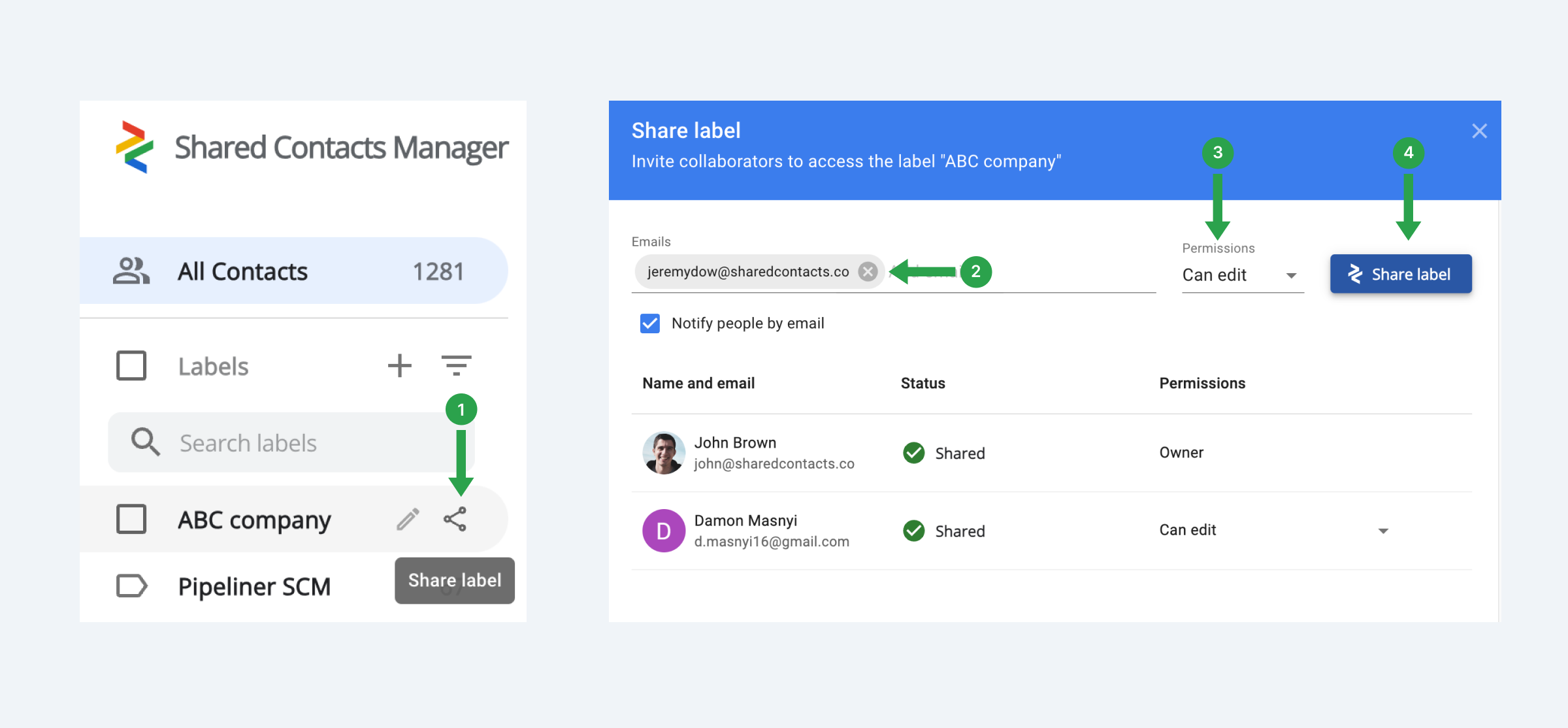
- 打开应用程序.如果您是第一次登录,则需要授予所有必要的权限。
- 在左侧菜单栏中,选择要共享的联系人标签,然后单击 分享 图标。
- 在下一个窗口中,选择要共享联系人标签的用户,设置他们的权限,然后单击 共享标签 按钮。然后,应用程序就会开始同步通讯录。
Follow these simple steps to share your Google Contacts with others using SharedContacts.com: